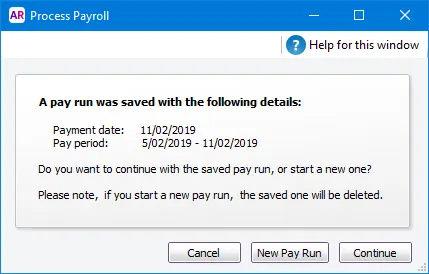
Pressed for time or need to check something? Why not save the pay run you're working on and finish it later. When you resume a saved pay run, you can change any of its details before finalising.
To save a pay run
When doing a pay run, save your progress by either:
clicking Save to save your progress and remain in the pay run. If you then close the pay run before finishing it, you can resume it later.
clicking Save and Close to save your progress and close the pay run.
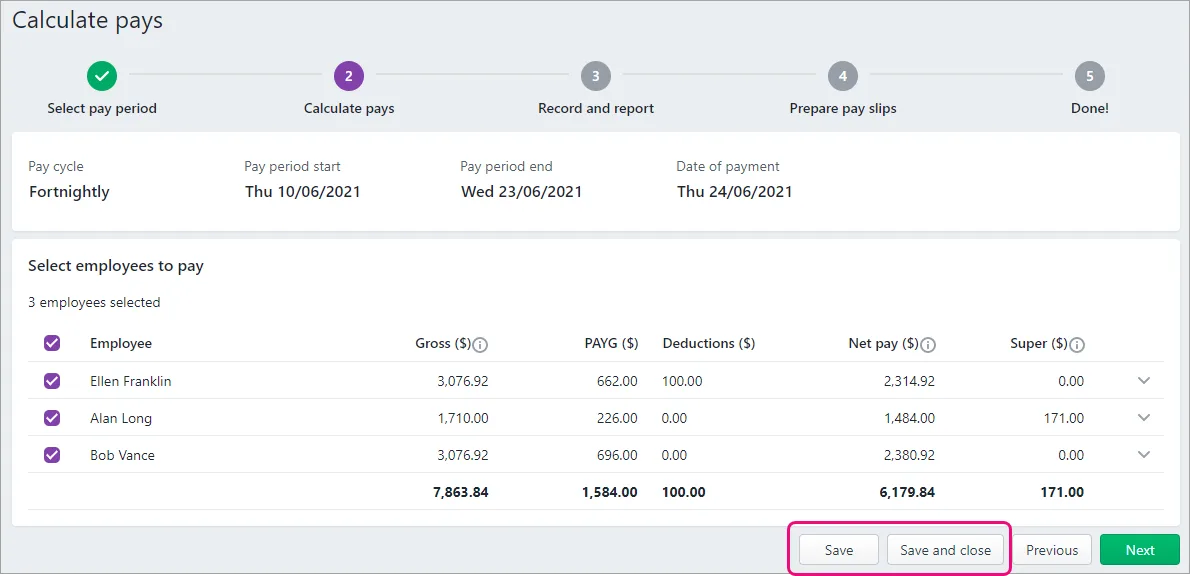
The pay is saved.

To resume a pay run
If you saved and closed a pay run, there's a couple of ways to resume it.
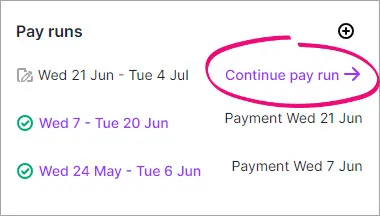
From the dashboard:
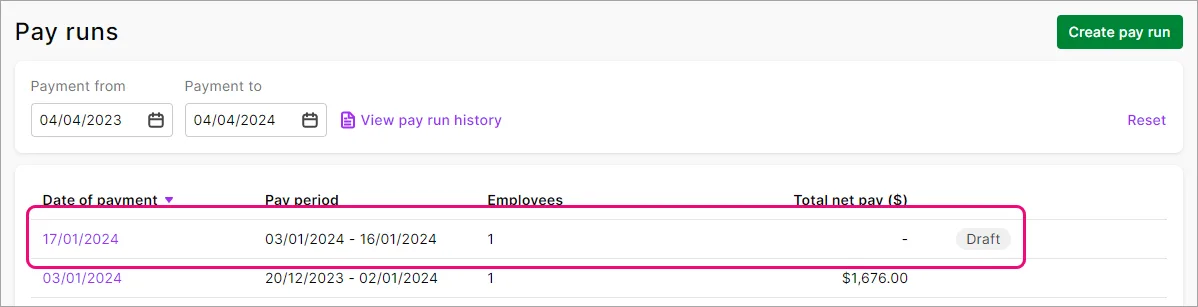
Via the Payroll menu > Pay runs then click the draft pay run.
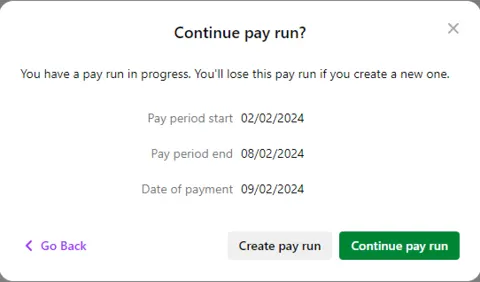
Via the Create menu > Pay run, then click either:
Continue pay run to resume the saved pay run, or
Create pay run to discard the saved pay run and start a new one.


Rate changes in saved pay runs
If you've changed the rate of an hourly pay item after saving a pay run, you'll be alerted to the rate change in the employee's pay when you resume the pay run. If you want to update the pay rate in the resumed pay run, click the alert icon then click Update. Otherwise the original pay rate will be used.

AccountRight Plus and Premier only
Pressed for time? Why not save the pay run you're working on and resume it later.
When you resume a saved pay run, you can change any of its details before finalising.
To save and resume a pay run
When processing a pay, click Save and Close.
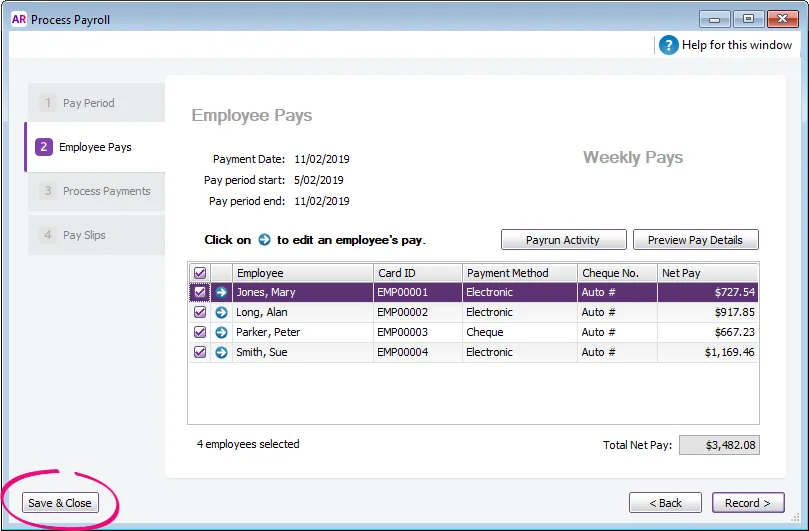
The pay is saved.
When you're ready to resume the pay, start a pay run (Payroll command centre > Process Payroll).
Click either:
New Pay Run to discard the saved pay run and start a new one, or
Continue to resume the saved pay run.